ECO · NeuroLiveECO IndependentECO Local

A real body.
A mind in the making.
ECO on the Pi.
Voice and motion.
ECO Local.
Dialogue on PC.

ECO is a conversational robot built for TikTok LIVE and face-to-face dialogue. NeuroLive explores when a simulated neural network can influence what the robot says and when it chooses to wait.The Raspberry Pi hosts the V5 conversation engine, synthesizes voice with Piper, and coordinates robot motion. In LOCAL mode, it can transcribe Romanian speech offline.In ECO Local, a Windows PC with WSL can prepare the robot’s replies and synthesize its voice. The Raspberry Pi plays each reply and synchronizes mouth movements with speech.

MaleCNS v1.0 · FlyBrain sample

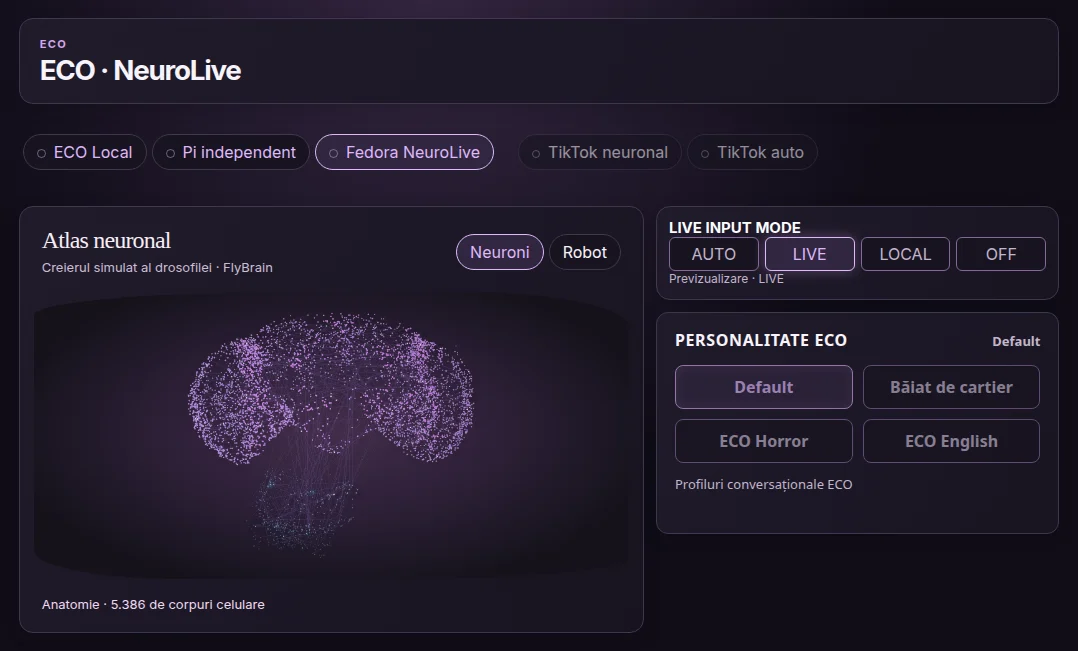
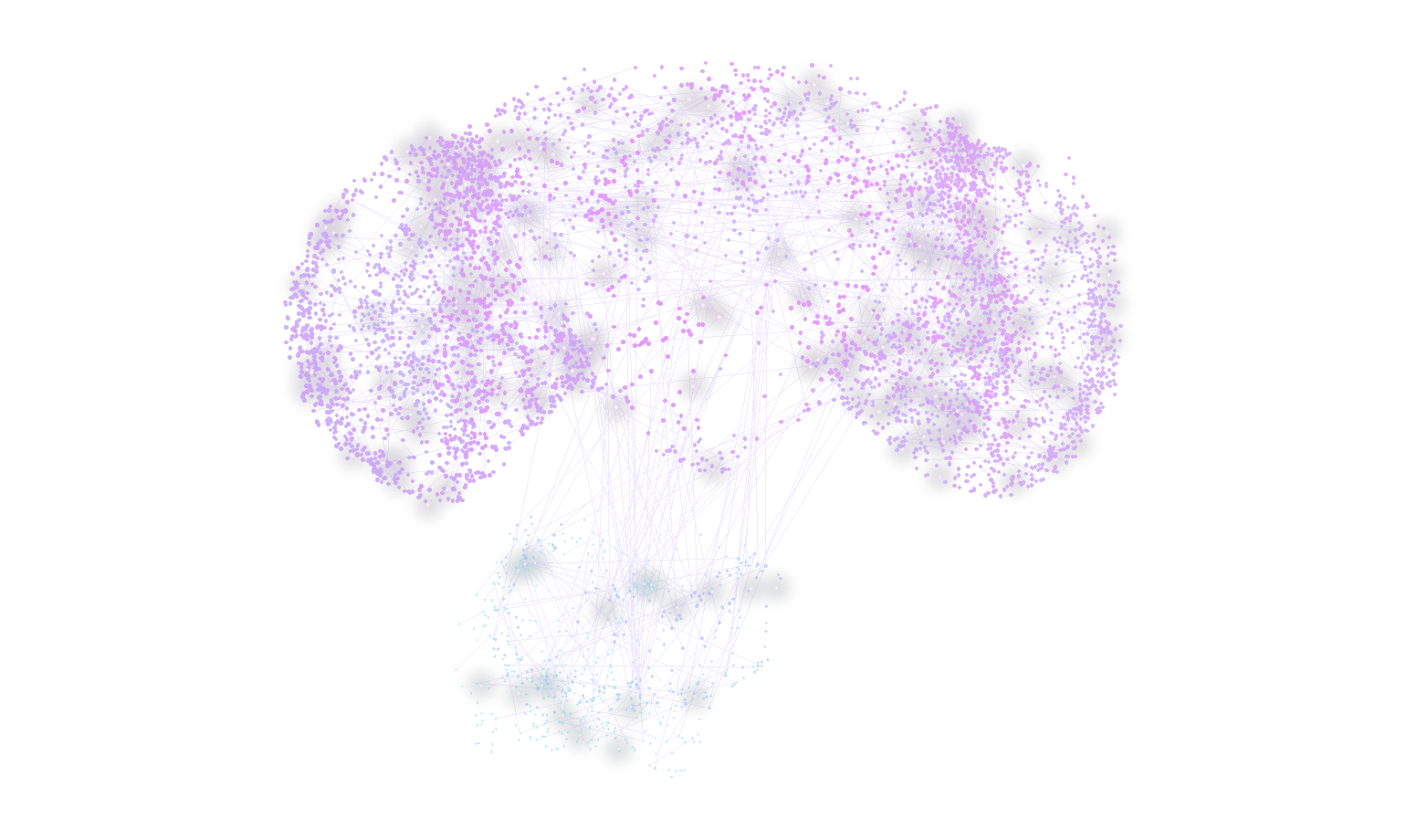
Neural atlas
5,386
Static view of the neural atlas
Drag to rotate · Arrow keys 5,386 cell body positions and 800 sampled connections. Color distinguishes layers, and connections are shown as lines between cell bodies. MaleCNS v1.0 · FlyEM / HHMI Janelia, University of Cambridge, MRC LMB and Google Research · sampled adaptation · CC BY 4.0 ↗
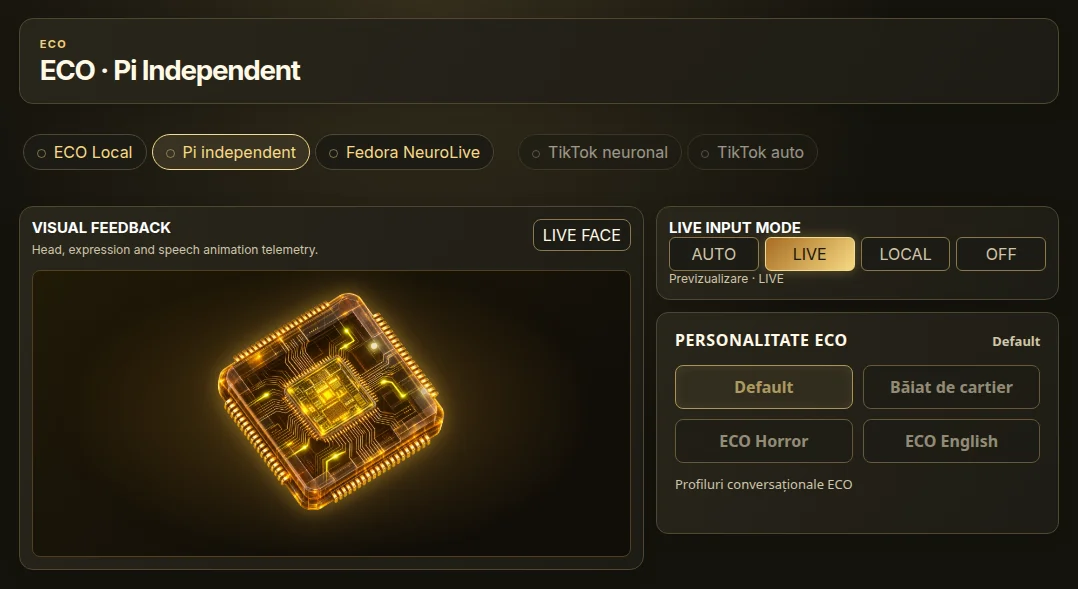
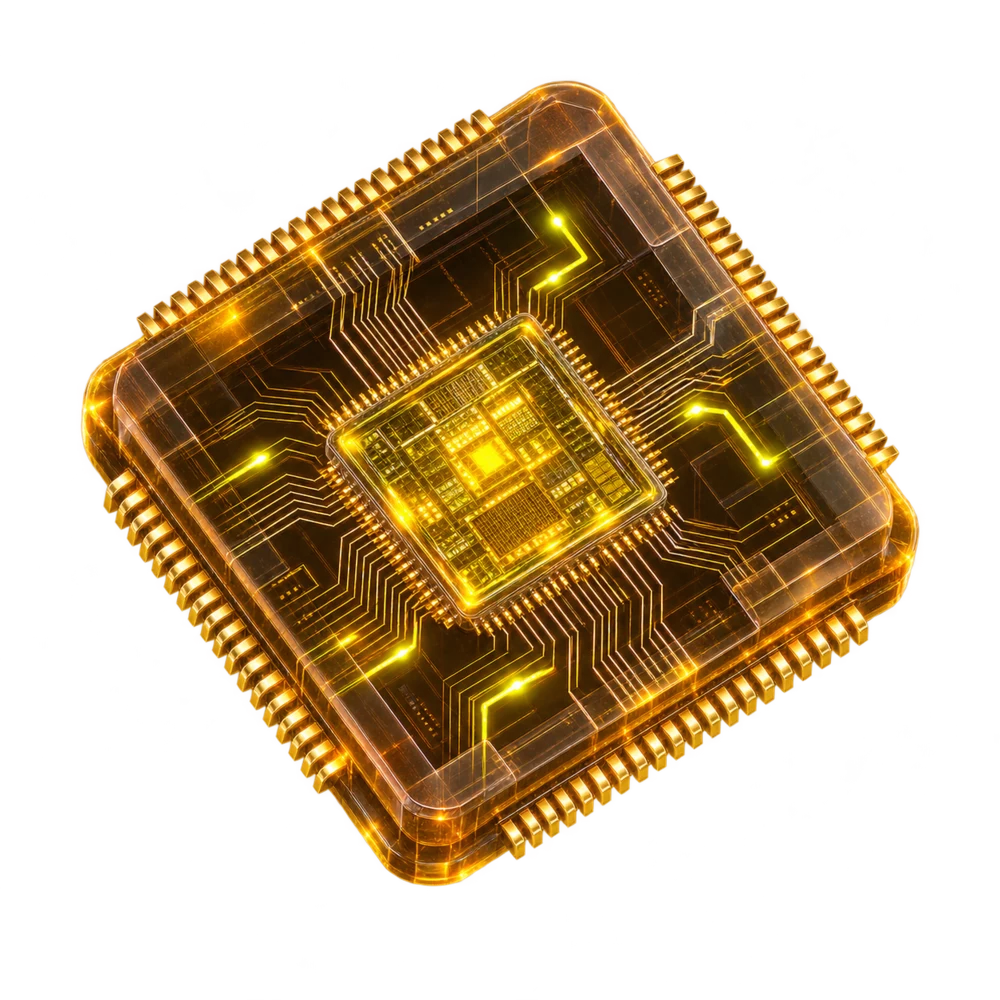
ECO Independent microchip
Gold microchip hologram from the Pi Independent console

Interactive view of the chip. Rotate it and follow the pulses toward the pins.

The ECO robot head
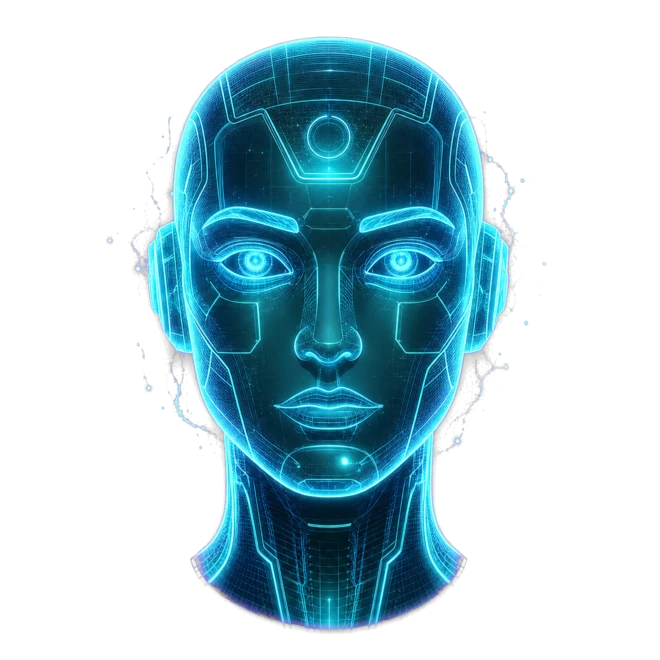
Hologram of the ECO robot head

A hologram based on a physical scan of the robot. Rotate and zoom in to see its details.

Conversation engine
ECO V5
Neurons in the full simulator
167,106
Physical control
Raspberry Pi
Conversation engine
ECO V5
Voice synthesis
Piper
Host and physical control
Raspberry Pi
Optional host
Windows · WSL
Local inference
Qwen
Physical control
Raspberry Pi

Architecture

Three consoles. One robot.

Compare the architecture of each host and explore the input options. The interface below is a browser demonstration.

Architecture and measurements

Console preview

ECO Local

Windows · WSL
Visual Feedback
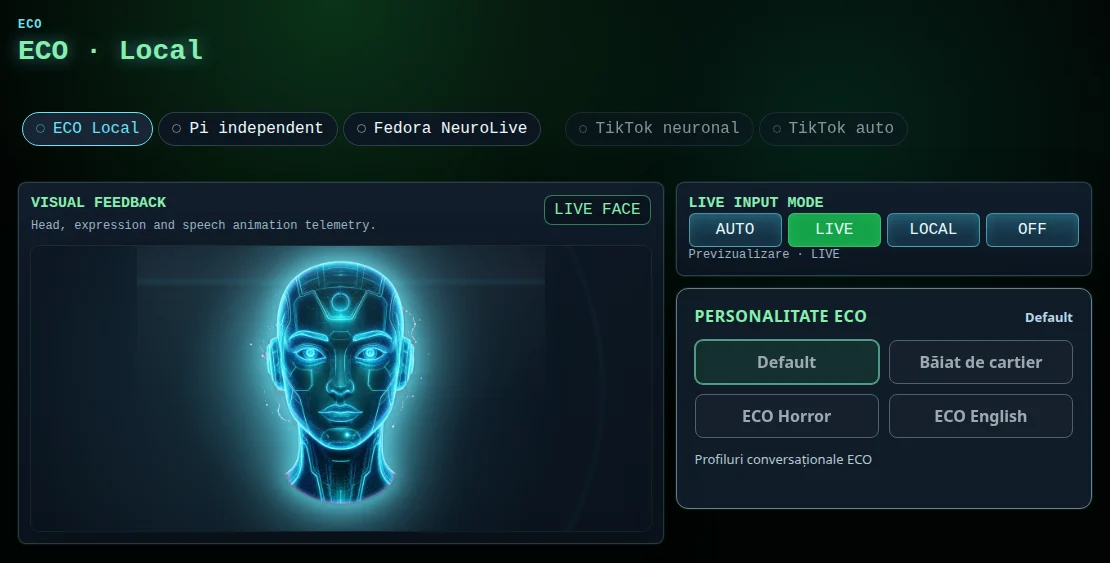
Hologram of the ECO robot head

The Windows console lets the operator choose the conversation profile and input mode. WSL can host the V5 engine, the Qwen model and voice services. The Raspberry Pi manages the audio queue, playback and robot motion.

  • Windows console
  • Conversation and voice in WSL
  • Playback and motion on Pi

Input mode

TikTok provides comments and events. In-person microphone and camera capture are off.

View console capture
ECO Local · ECO panels from the console source · offline preview
ECO panels from the console source · offline preview

Research · ECO NeuroLive

When should a robot speak up?

In the hybrid prototype, the language model proposes replies and FlyBrain can choose a contribution or leave a pause. After a reply plays, a signal goes back to the simulator. This lets us measure whether feedback changes the next choice.

Explore the experiment
  1. AIProposes replies
  2. FlyBrainChooses or waits
  3. Virtual playerConfirms playback
  4. FeedbackReturns to the simulator
Feedback loop tested in the lab

NeuroLive experiment

Follow a decision

Choose an event and see how the prototype combines language-model proposals, a FlyBrain choice and player confirmation.

Choose a step or run the sequence.

Illustrative scenarios · virtual playback and predefined decisions

Documented results

What ECO has demonstrated

See the measurements
23

V5 replies on LIVE

On 21 November, the player confirmed 23 replies to real comments after a fix to the way ECO handles being addressed.

5.42 s

to the start of playback

Median from comment to player start for those same 23 replies. What the audience hears is tested separately.

48

playbacks in LOCAL conversation

Sample from 23 November, after offline Romanian speech recognition was installed on Raspberry Pi.

2D illustration of ECO wearing a black cap and red glasses, with amber eyes
2D portrait based on the ECO robot photograph

Why it matters

From a generated reply to a delivered one.

On LIVE, people write while ECO is speaking, telling a story or playing music. The robot has to decide when to reply, keep the thread and give urgent actions priority. The V5 engine uses player confirmation to remember what was played.

Follow a reply through the system

What’s next

The next tests on the robot

  1. Audio in the broadcast

    Trace the comment, reply and playback, then check what a viewer can hear on the stream.

  2. In-person visual conversation

    Test whether ECO can describe how an object moved and carry those observations into a follow-up. Capture and tracking have passed technical checks.

  3. Blinded NeuroLive review

    Use the 12 prepared pairs to compare conversation quality with and without FlyBrain’s contribution before a sustained audience test.

Meet ECO on LIVE.

See the robot in action on TikTok and join the conversation when it’s live.

Follow ECO
ECO on TikTok LIVE